Game Introduction
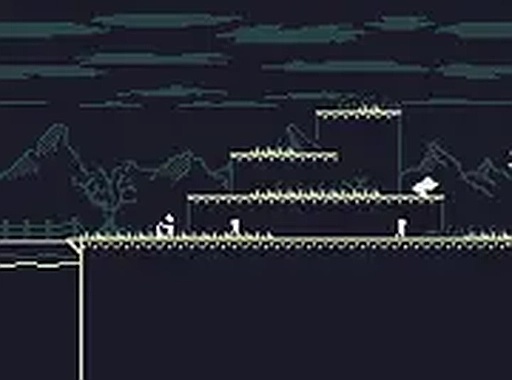
Astro-Steve Retro Adventure is a 2D platformer that brings back the charm of classic retro graphics. Players control an astronaut who has trouble flying his spaceship. The core objective is to guide him across floating platforms and reach the key to complete each level. The game introduces two unique mechanics that set it apart from typical platformers. Screen-wrapping allows players to move from one side of the screen to the other, creating shortcuts and new paths. Gravity flipping changes the direction of gravity, enabling the astronaut to walk on ceilings and walls. These features create a fun and challenging experience for anyone who enjoys classic platforming action. The game is free to play directly in a browser, with full screen mode available for a more immersive feel. It is designed for desktop computers and works best with a keyboard.
How to Play
Players control the astronaut using keyboard inputs. The controls are simple: move left and right with the arrow keys or WASD, and jump with the spacebar or up arrow. The screen-wrapping feature allows the astronaut to teleport from one edge of the screen to the other, helping reach tricky spots. The gravity flip mechanic lets players change the direction of gravity, allowing movement on ceilings and walls to avoid obstacles. The goal is to navigate each level, avoid falling off platforms, and collect the key to progress. The game is designed for desktop play and works best on computers.
Game Features
Retro 2D graphics create a nostalgic feel. Gravity flipping changes the direction of gravity for unique movement. Screen-wrapping lets players teleport across the screen. Free browser play requires no downloads. Full screen mode enhances immersion. The game is designed for desktop computers and uses keyboard controls.
Tips for Success
Practice using the gravity flip and screen-wrapping mechanics together to reach hidden areas. Take time to plan jumps, as rushing often leads to falls. Learn the layout of each level to anticipate where to flip gravity. Use screen-wrapping to quickly cross large gaps or avoid obstacles. Keep an eye on the key location and plan a route accordingly. Regular practice helps master the controls and improve timing.




Comments
0 comments